Step 1
Go to the dashboard and scroll down to find the ‘Site Maintenance’ section.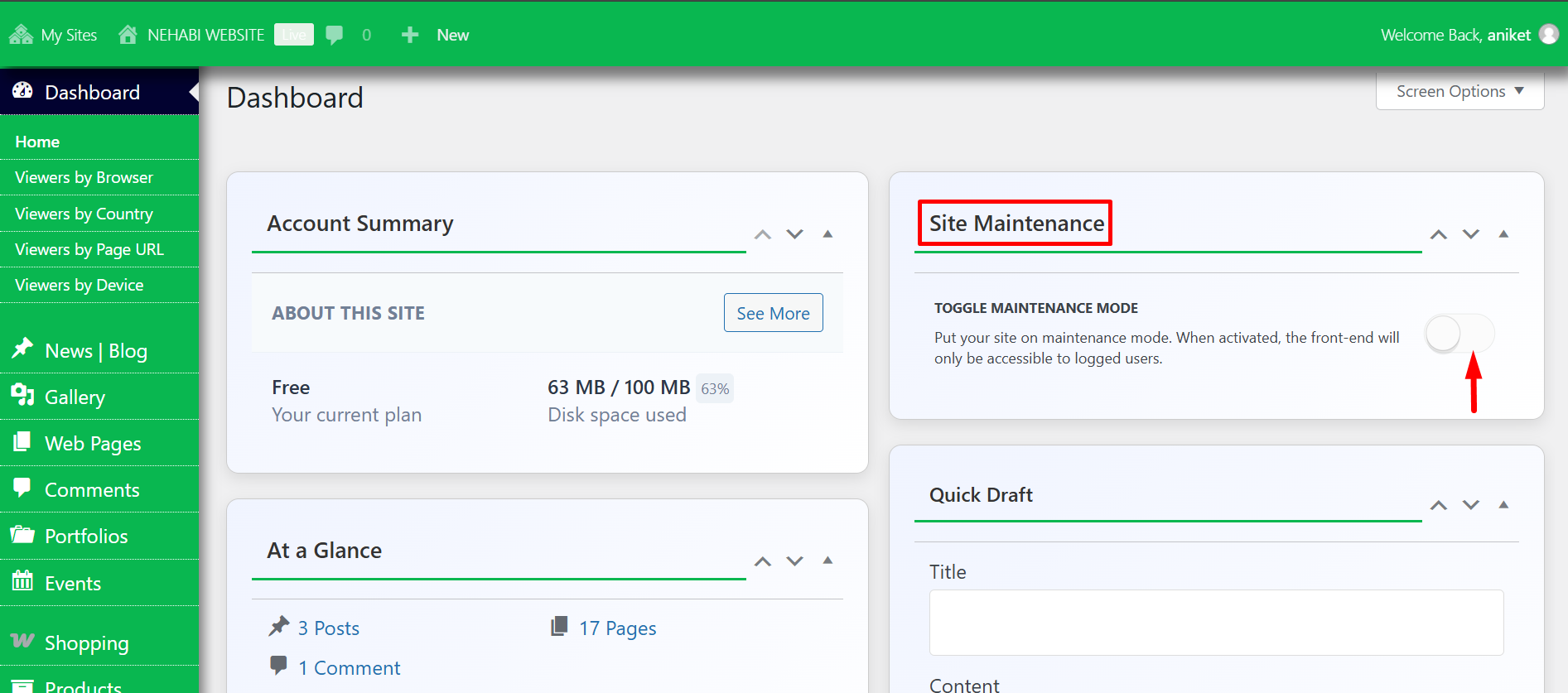
Step 2
Site Maintenance temporarily hides your website from visitors and search engines while updates or fixes are being made. When activated, anyone trying to access the site will see a maintenance message instead of the usual content. This ensures a smooth user experience while preventing visitors from seeing incomplete or broken pages.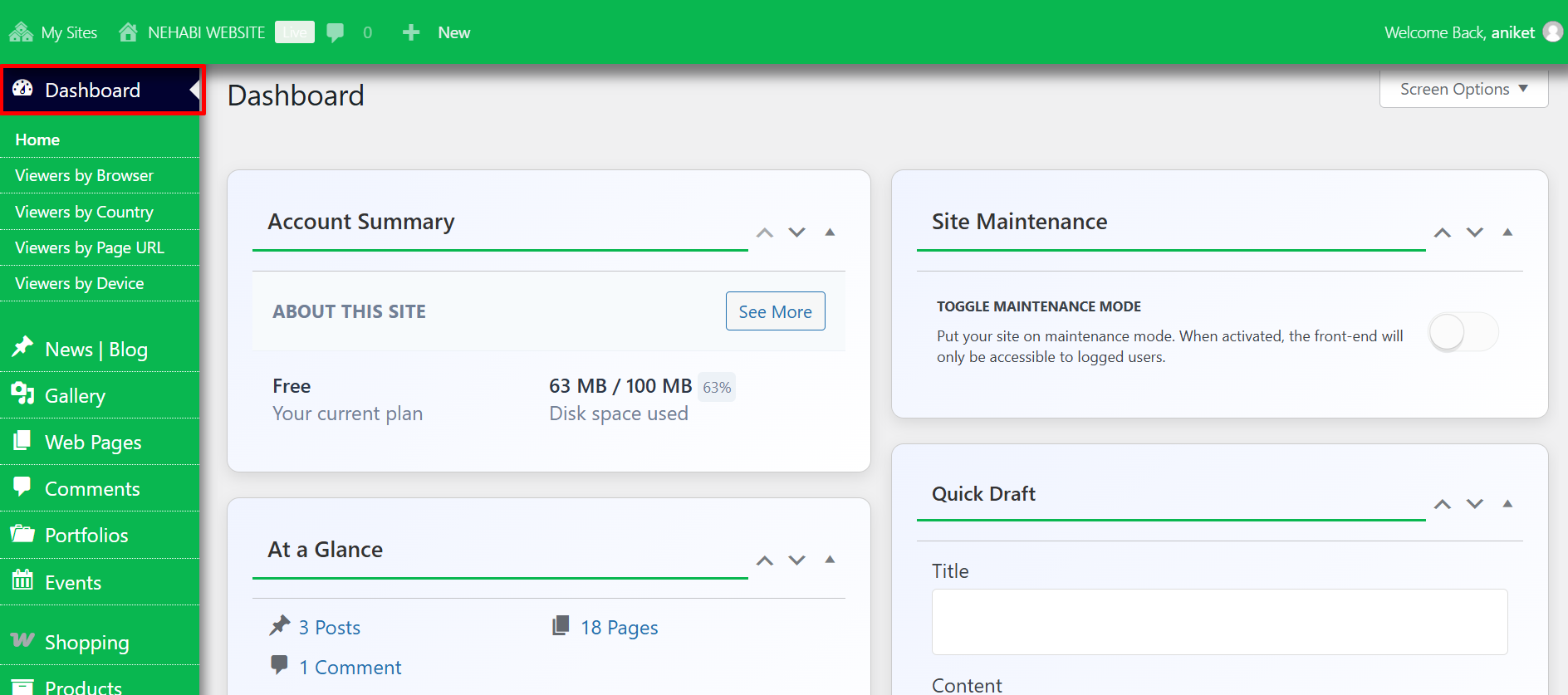
“Enable” Site Maintenance Mode to activate this functionality and display a maintenance message to visitors.
Step 3
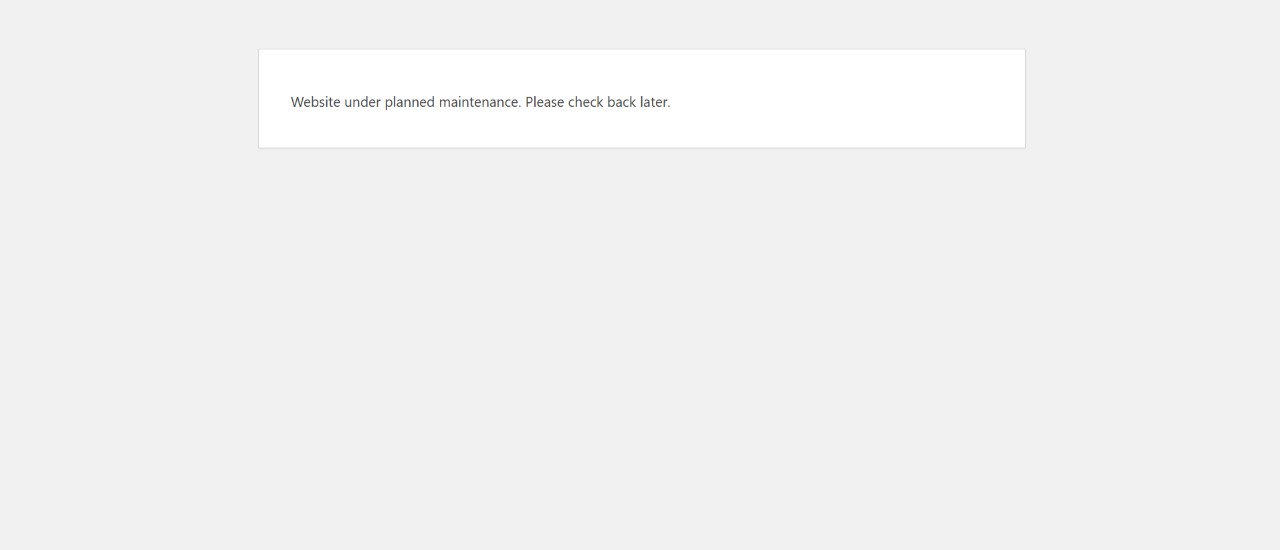
This is the page you will find when you attempt to access the website.
If Site Maintenance Mode is enabled, you can still access the website’s backend by navigating to /wp-admin, not /admin. This ensures that administrators can log in and manage the site while maintenance mode is active.